
4.6



Information
Version
2.7.3
Downloads
10.000.000+
Last Update
Aug 9, 2025
Screenshots
About
Introduction HD Skins Editor for Minecraft APK
HD Skins Editor for Minecraft APK is a popular mobile tool that allows players to create and customize skins for Minecraft Pocket Edition (Bedrock Edition). Instead of downloading pre‑made skins, this app gives users full creative control over how their Minecraft character looks.
Players can design skins from scratch or edit existing ones using built‑in drawing tools. The app supports HD skin resolution, which means more detailed textures and smoother designs compared to standard skins.
For Minecraft fans who enjoy personalization and creativity, HD Skins Editor offers a convenient way to design unique avatars directly on Android devices. Whether you want a simple outfit change or a detailed custom character, this app makes the process quick and beginner‑friendly.
First Impressions
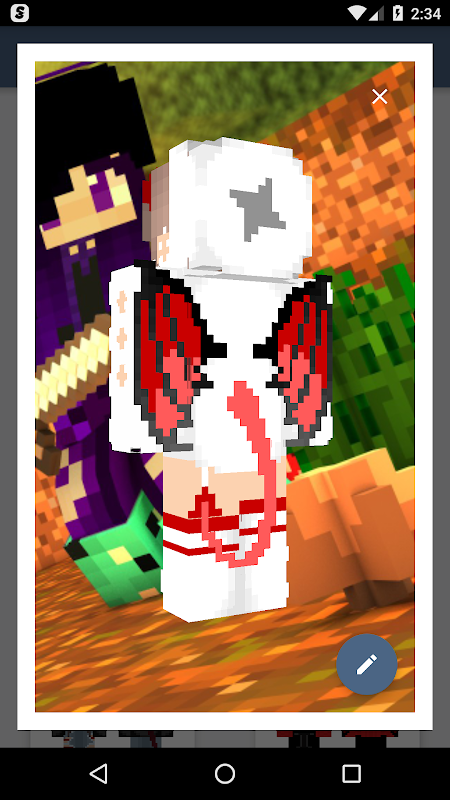
When opening HD Skins Editor for Minecraft for the first time, the interface appears simple and easy to understand. The layout focuses on a 3D character preview, which allows users to see how their skin design looks in real time.
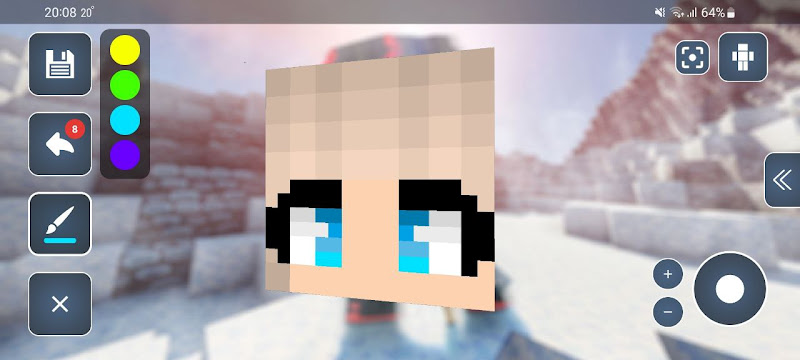
Navigation menus are organized clearly, making it easy to start a new skin project or import an existing one. Beginners can quickly find editing tools such as brushes, color pickers, and symmetry options.
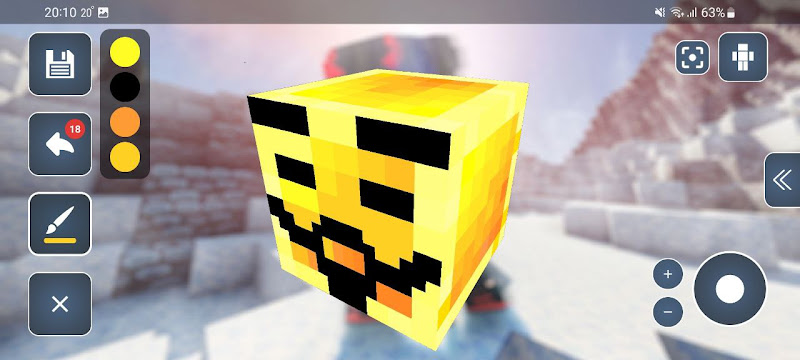
Another strong first impression is the live 3D preview system. As players paint or modify parts of the skin, the character model updates instantly. This helps users understand how each change affects the overall design.
Overall, the app provides a smooth and accessible experience, even for users who have never created Minecraft skins before.
Gameplay Mechanics
Although HD Skins Editor for Minecraft APK is not a traditional game, it works as a creative tool that enhances the Minecraft experience by allowing players to design custom character appearances.
Skin Creation
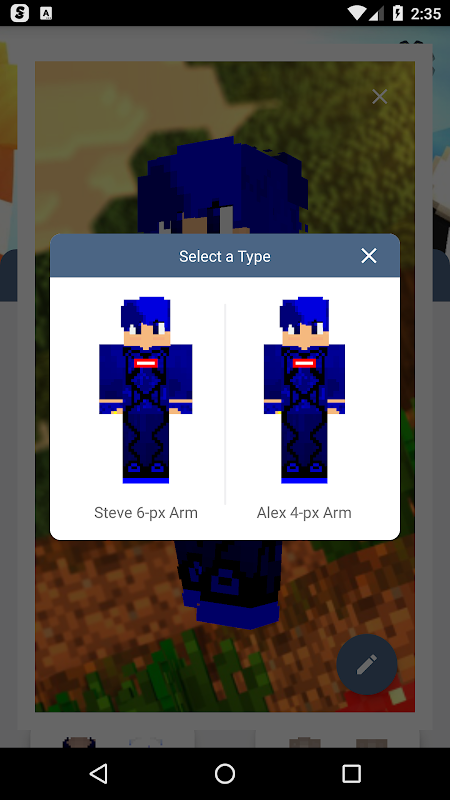
Users can start with a blank template and draw their own skin using digital painting tools. This allows complete creative freedom.
Skin Editing
Players can import existing skins and modify them by changing colors, patterns, or clothing details.
3D Preview System
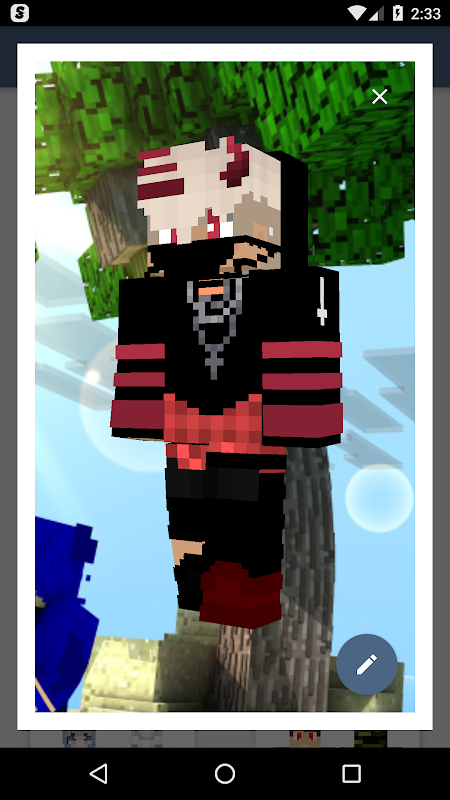
The character model rotates in real time so users can view the design from all angles. This helps ensure that each part of the skin looks correct.
Layer Editing
Advanced editing tools allow players to work with multiple layers, making it easier to create complex skin designs.
Export and Use in Minecraft
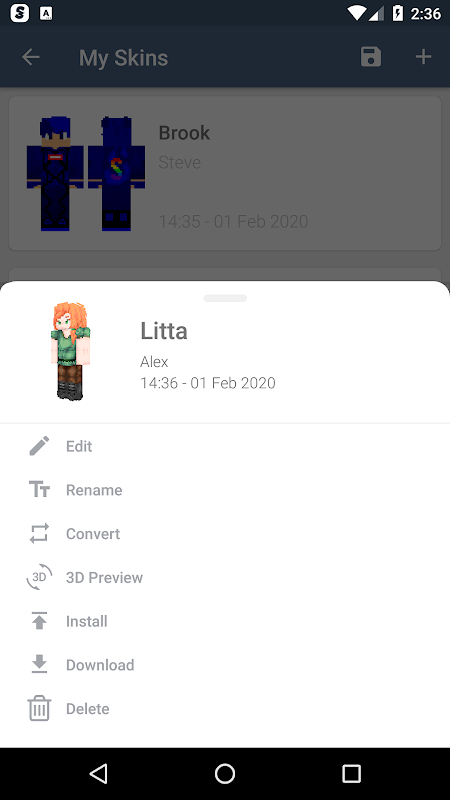
After finishing the design, users can export the skin and apply it in Minecraft Pocket Edition.
Features
HD Skins Editor for Minecraft APK includes several features that make skin creation easier and more enjoyable.
HD Skin Support
The app supports high‑resolution skins, allowing more detailed and visually impressive character designs.
3D Character Preview
A rotating 3D model lets users view their skin from different angles while editing.
Easy Drawing Tools
Players can use tools such as:
- Brush and pencil tools
- Color picker
- Fill tool
- Eraser
These tools make the design process simple and precise.
Import Existing Skins
Users can import skins from their device and edit them instead of creating a new design from scratch.
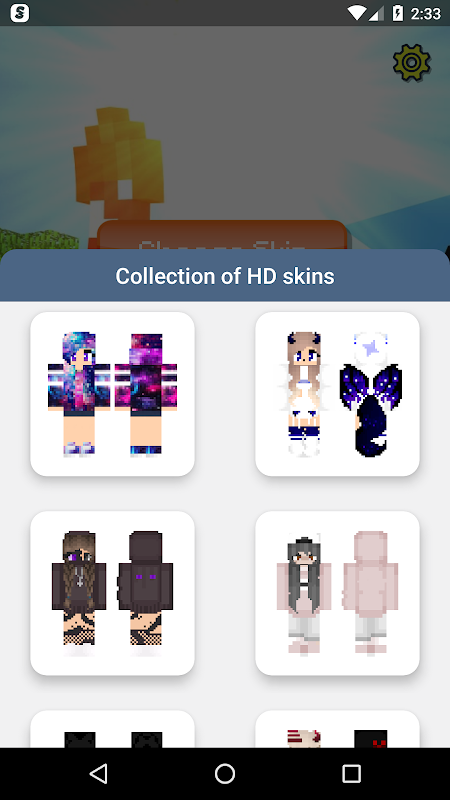
Skin Library
Some versions of the app provide access to a library of community‑created skins that users can customize further.
Quick Export
Finished skins can be saved and applied directly to Minecraft Pocket Edition.
Community Feedback
The Minecraft mobile community generally responds positively to HD Skins Editor for Minecraft.
Many players appreciate the ability to create custom skins without needing a computer or advanced graphic design tools. The app is especially popular among players who enjoy creative personalization.
Common positive feedback includes:
- Easy skin creation tools
- Real‑time 3D preview
- HD skin support for detailed designs
- Beginner‑friendly interface
However, some users mention a few minor drawbacks:
- Advertisements in the free version
- Some advanced features may require extra steps
- Performance may vary on older devices
Despite these minor issues, the app remains one of the most widely used mobile tools for Minecraft skin design.
Comparison Table
| Feature | HD Skins Editor for Minecraft APK | Basic Skin Editing |
| Skin Resolution | HD supported | Standard resolution |
| Editing Tools | Advanced drawing tools | Limited editing |
| Preview System | Real‑time 3D preview | Static preview |
| Ease of Use | Beginner‑friendly | Moderate difficulty |
| Customization | High | Limited |
This comparison shows why many Minecraft players prefer HD skin editors when designing custom characters.
Conclusion
HD Skins Editor for Minecraft APK is a powerful yet easy‑to‑use tool for Minecraft Pocket Edition players who want to design their own character skins. With HD support, intuitive editing tools, and a real‑time 3D preview system, the app makes skin creation accessible to both beginners and experienced creators.
Whether you want to personalize your character, experiment with new designs, or create unique skins for multiplayer worlds, HD Skins Editor provides a convenient solution for Android users.
Other you may like
Mods, maps skins for Minecraft
ALOE

Mods AddOns for Minecraft PE
JoyCraft Mobile
More Structures Mod Minecraft
Bunzo Mods and Addons Minecraft PE
RealmCraft: Mine & Craft World
Tellurion Mobile
FFH4X – Sensitivity
Zentrox
Skins for Minecraft
Rhombics
Addons for Minecraft Bedrock
GlitchPixel Addons
Boys Skins For Minecraft PE
Kitoved
Ratings & Reviews
4.6

11040401 Ratings
5
4
3
2
1
Comments

0 COMMENTS
×
![icon]()
SUBMITAPK.COM
SUBMITAPK.COM
SUBMITAPK.COM
SUBMITAPK.COM
SUBMITAPK.COM
SUBMITAPK.COM
SUBMITAPK.COM
SUBMITAPK.COM
SUBMITAPK.COM
SUBMITAPK.COM


Skins for Minecraft
Free
Rhombics
Addons for Minecraft Bedrock
Free
GlitchPixel Addons
Boys Skins For Minecraft PE
Free
Kitoved
ChatCraft Pro for Minecraft
Free
Carrara
Addons for Minecraft
Free
Kayen Works
Building Mods for Minecraft
Free
Addons for Minecraft
Craft Addons for Minecraft PE
Free
Ltd.
Master Mods For Minecraft – PE
Free
102Apps
Crafting and Building
Free
GeneRe
Maps for Minecraft PE
Free
igmi
Mods Addon Skins for Minecraft
Free
Lyxoto Studios
MCPEDL for Minecraft
Free
Overwolf Ltd
Mods AddOns for Minecraft PE
Free
JoyCraft Mobile
Mods, maps skins for Minecraft
Free
ALOE